 Video EditorOpen the editor
Use ad templates to make a social ad fast
A template gives you a finished layout in one click. Replace the text and photos, keep the style, and you have an ad ready for Instagram, TikTok or Facebook.
In this guide
1Open Ad templates
Click Ad templates in the left toolbar. Browse by category: Product, Sale, Social proof, Before / after, Hooks, App, Minimal, Event and Lists & stats.
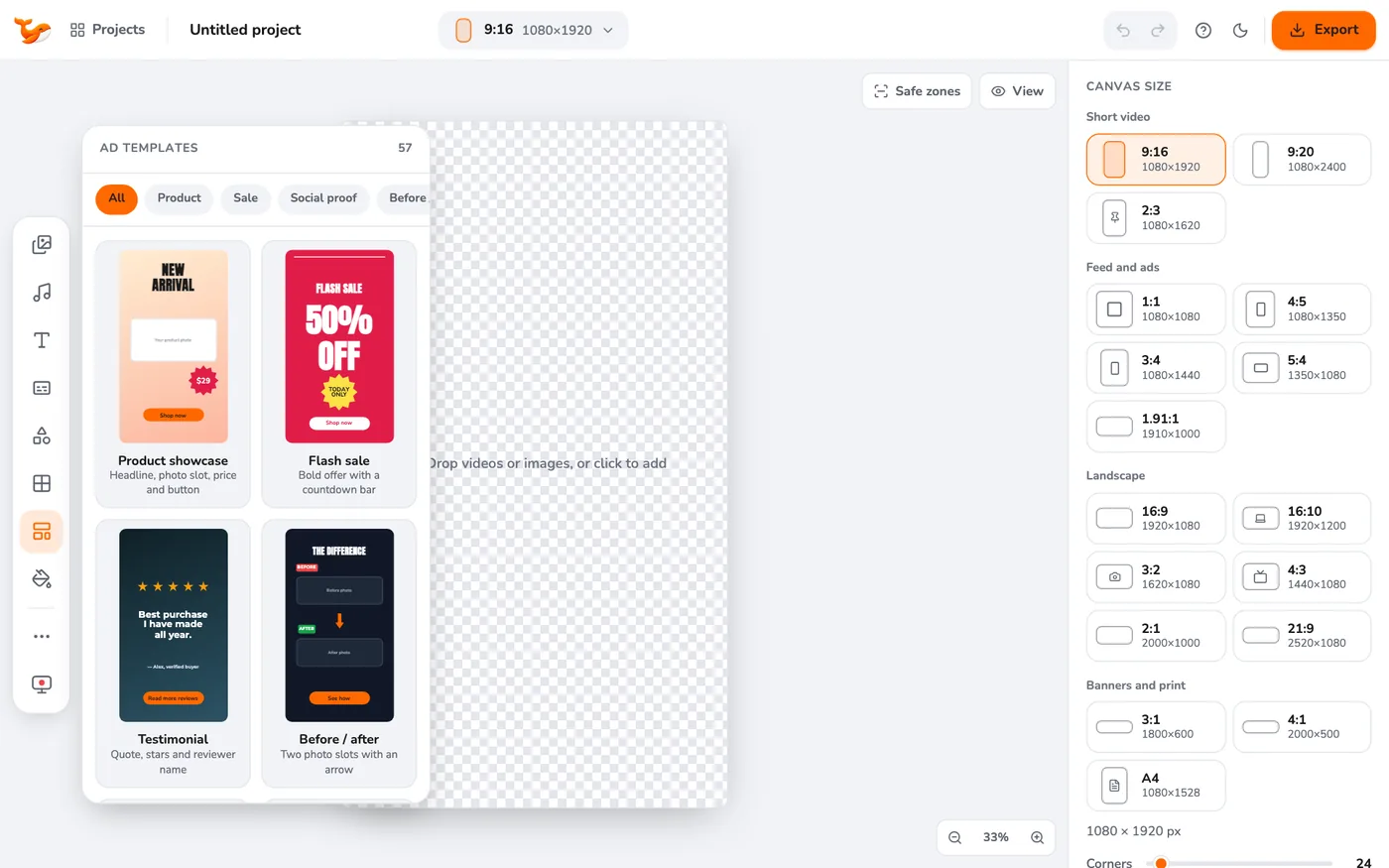
2Click a template
The template is added to your canvas as editable layers. You can undo it with Ctrl/Cmd+Z and try another.
3Replace the text
Double-click any text to type your own words. Use the toolbar above it to change font or colour.
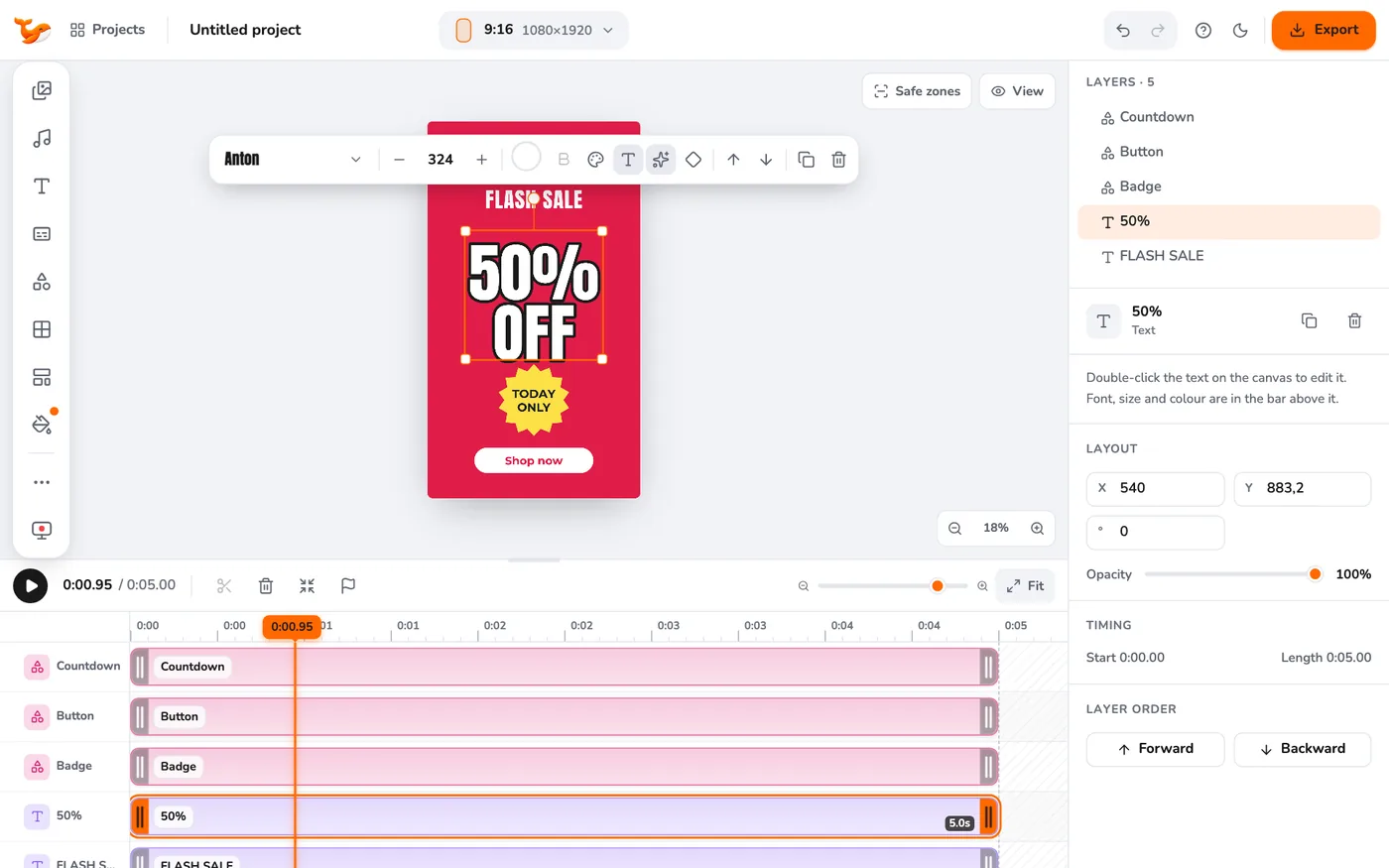
4Swap the photo slots
Templates with photo placeholders show empty slots. Upload your photos in Media and drop them onto a slot, or select a slot and click a library item.
5Export for your platform
Open Export and pick Instagram Reels, TikTok, Facebook feed and more. See exporting for every platform.
Tips
- Change the canvas ratio first if you need a feed ad (1:1 or 4:5). Layouts re-fit to the new size.
- Apply your colours and font with the brand kit to make a template look like yours.
Frequently asked questions
Can I make my own template?
Build your layout and save the project. Duplicate it from the Projects window whenever you need a new version.
Video Editor runs in your browser. No account, no uploads.
Open the editor