 Video EditorOpen the editor
Choose the right canvas size and aspect ratio
The canvas size decides how your video fits each platform. Pick it first and your layout stays right all the way to export.
1Open the ratio menu
Click the ratio chip in the top bar. Sizes are grouped as Short video, Feed and ads, Landscape and Banners and print, each with a hint about where to use it.
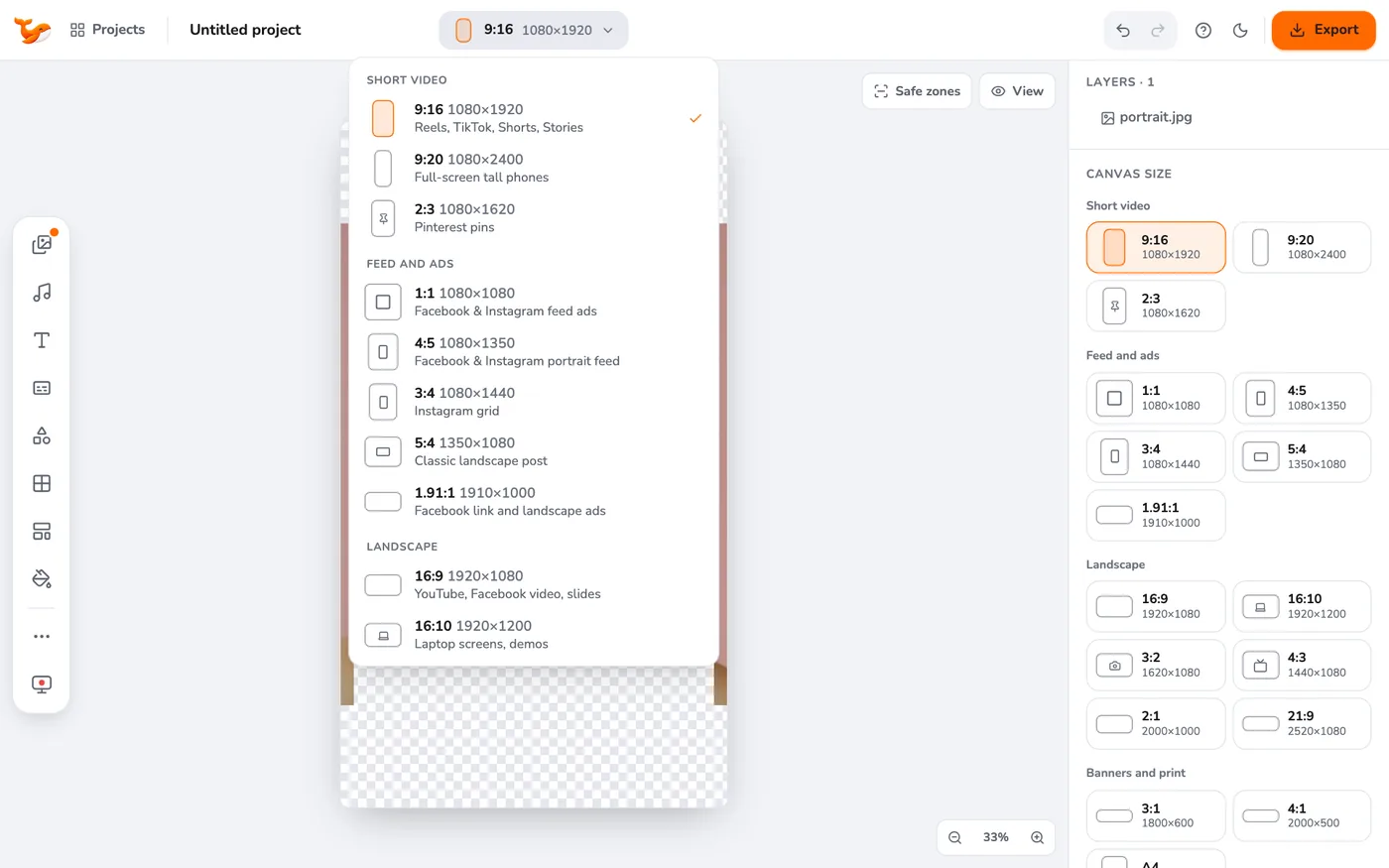
2Choose a size
The common ones: 9:16 (1080×1920) for Reels, TikTok, Shorts and Stories; 4:5 for portrait feed posts; 1:1 for square feed ads; 16:9 for YouTube and slides; 1.91:1 for link ads.
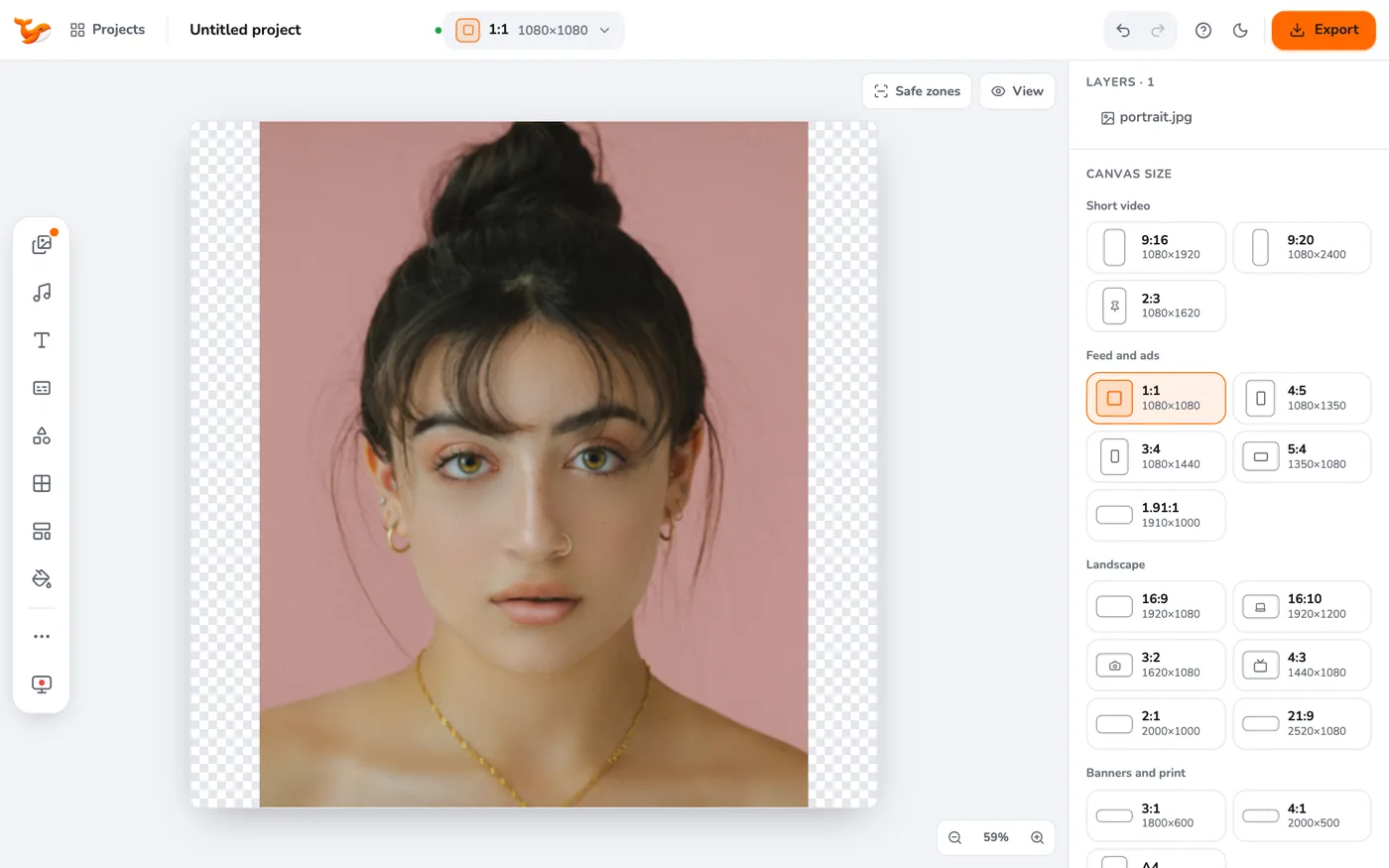
3Layers re-fit
When you change the size, your layers adjust to fit the new canvas. Check the layout and nudge anything that moved.
4Round the corners (optional)
The right panel has a Corners slider for the whole canvas. Rounded corners are transparent in PNG and black in MP4.
Tips
- Make one master in 9:16, then export several ratios at once with multi-ratio export.
- Check what each app covers with safe zones.
Frequently asked questions
What is the best size for Instagram Reels?
9:16 at 1080×1920.
What is the best size for a Facebook feed ad?
4:5 (1080×1350) or 1:1 (1080×1080).
Video Editor runs in your browser. No account, no uploads.
Open the editor