 Video EditorOpen the editor
A/B test your ads: make and export variants
Small changes can double results. Variants let you keep one ad and make versions with different text, backgrounds or music, then export every version together.
1Build your base ad
Finish the ad you want to test, for example from an ad template.
2Open A/B variants
Open More tools and choose A/B variants. The panel counts your original plus each variant.
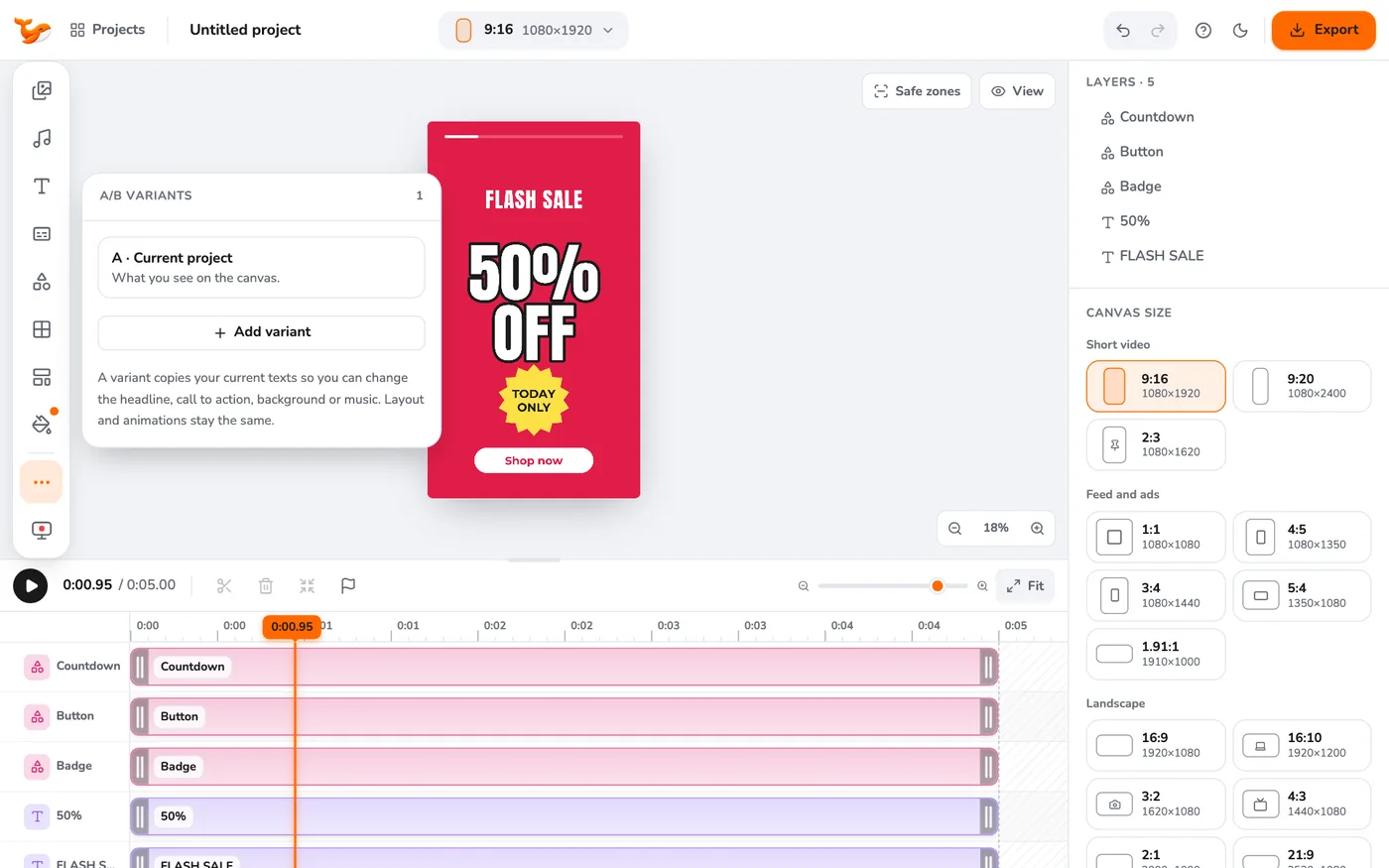
3Add a variant
Press Add variant. For each variant, change the text of any text layer, tick Different background to use another colour, or choose different music.
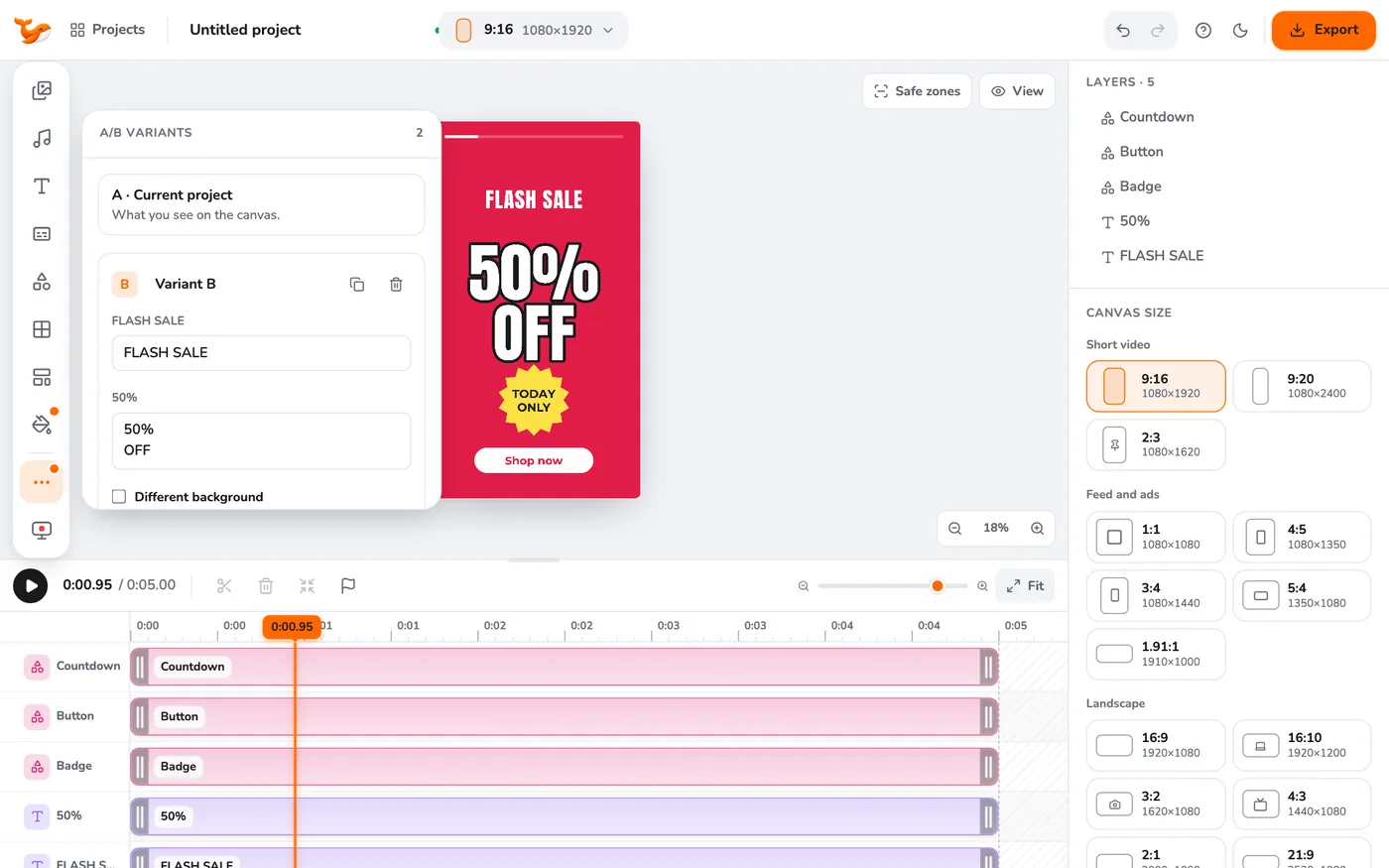
4Export all variants
Open Export and press Export all variants. You get one file per variant for each ratio you pick, in a ZIP, with the variant name in the file names.
Tips
- Test one change at a time (the headline, or the offer), so you know what worked.
- Name variants clearly so you can match them to results in your ad manager.
Frequently asked questions
Does a variant change my original?
No. Variants are saved alongside the original and applied only when you export.
Try it yourself
Video Editor runs in your browser. No account, no uploads.
Open the editorRelated guides
Social and adsUse ad templates to make a social ad fastStart from 50+ ready-made ad templates for sales, product launches, testimonials, events and hooks. Swap the text and photos and export.ExportExport a video for every platform at onceExport MP4 for Instagram Reels, TikTok, YouTube Shorts, Stories and Meta ad sizes in one go. Several ratios at once, rendered on your device.DesignSet up a brand kit: colours, font and logo watermarkSave your brand colours and font, then apply them in one click and stamp your logo as a watermark in any corner.