 Video EditorOpen the editor
Animate with keyframes and enter and exit animations
Animation makes a video feel alive. Use one-click enter and exit effects for quick wins, and keyframes when you want exact control.
In this guide
1One-click enter and exit animations
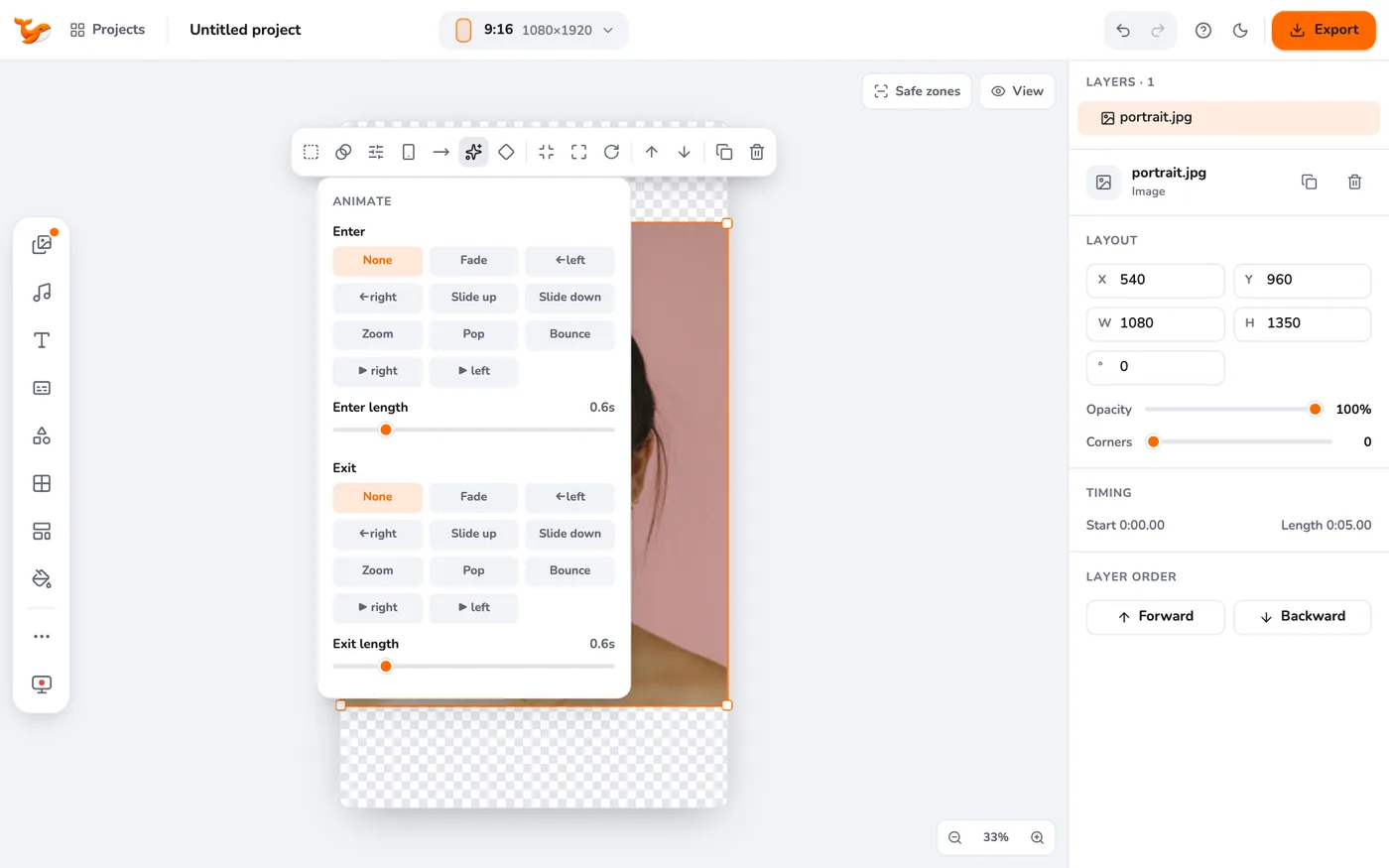
Select a layer and press the sparkle Animate button in its toolbar. Choose how it enters and leaves and set the length of each.
2Add a keyframe
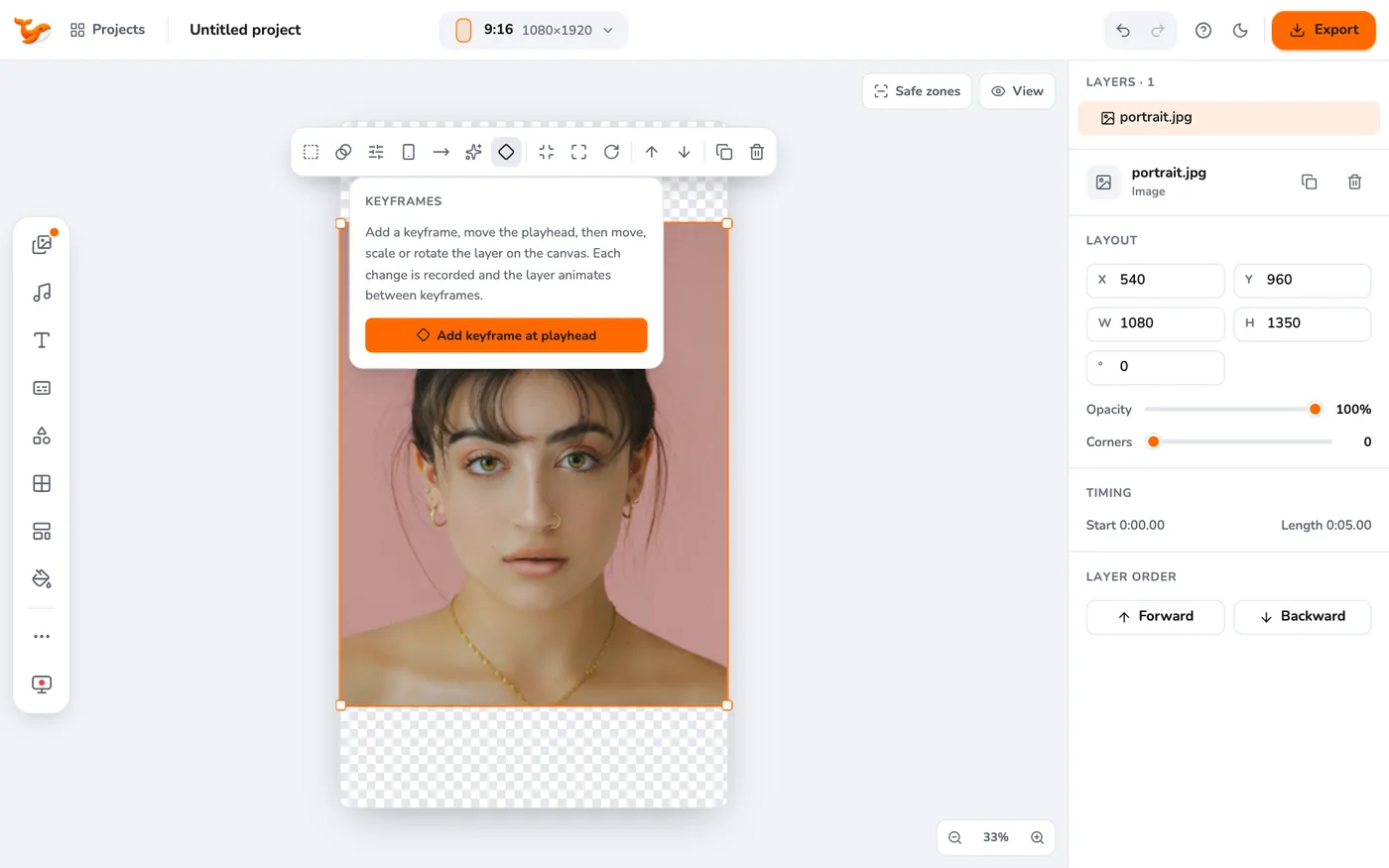
Open Keyframes in the toolbar and press Add keyframe at playhead. A diamond appears on the layer's clip at that time.
3Move the playhead and change the layer
Go to another time and move, scale or rotate the layer on the canvas. Each change is recorded, and the layer animates between keyframes.
4Set the easing and opacity
Select a keyframe to choose Easing (how the motion accelerates), set Opacity at playhead, or delete the keyframe.
5Pan and zoom
Use Pan and zoom for a slow zoom on photos, which is a quick way to add motion to a still.
Tips
- Two keyframes are enough for most moves: a start and an end.
- Keep animations short (under half a second) for a clean, professional look.
Frequently asked questions
Can I animate text?
Yes. Text layers have the Animate menu too, including typewriter-style reveals.
Video Editor runs in your browser. No account, no uploads.
Open the editor