 Video EditorOpen the editor
Getting started: make your first video in 5 minutes
Video Editor runs entirely in your browser, so there is nothing to install or upload. This walkthrough takes you from a blank canvas to an exported video in about five minutes.
1Open the editor and pick a starting point
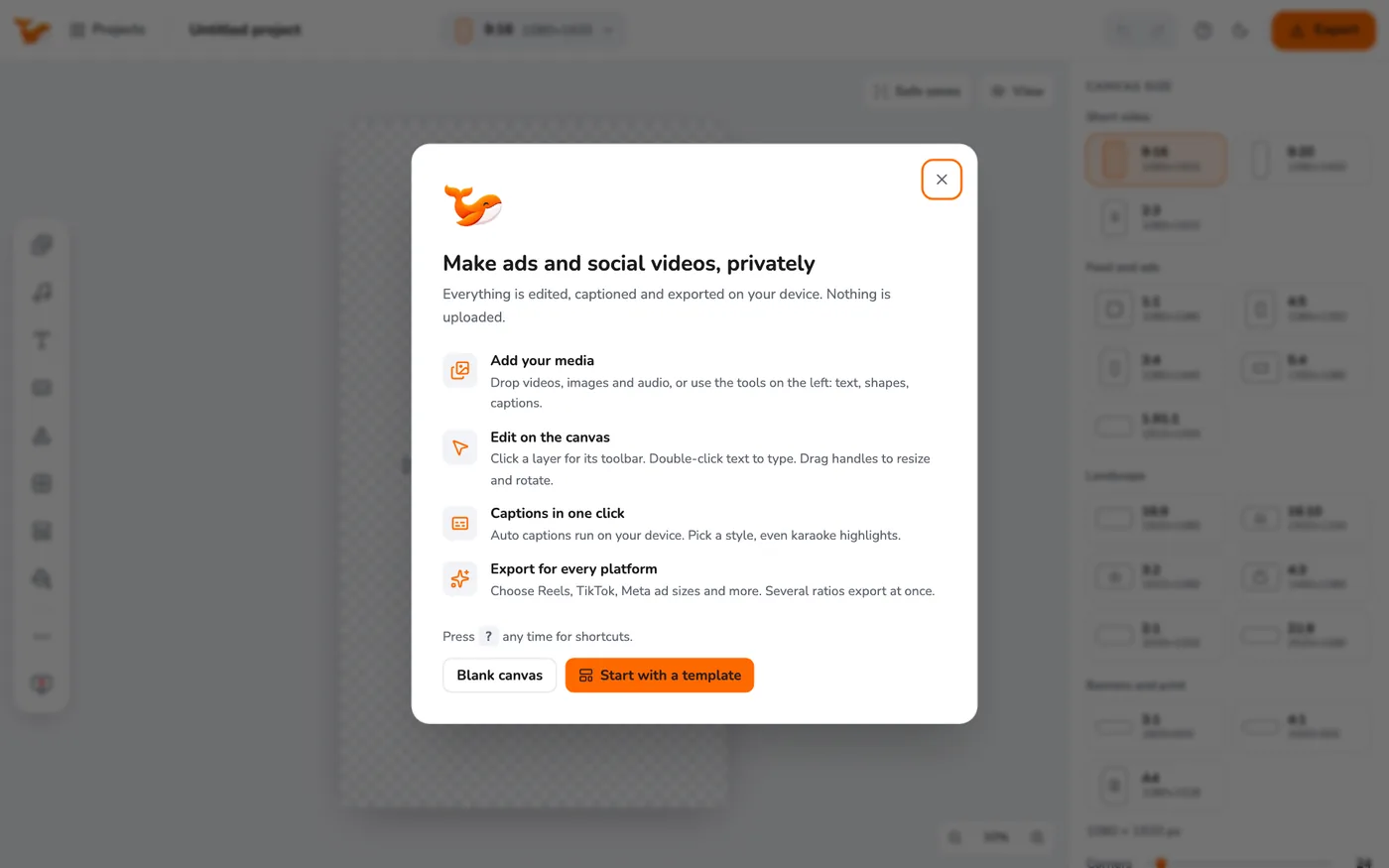
The first time you open the editor a welcome window appears. Choose Blank canvas to start empty, or Start with a template to begin from a ready-made ad. You can always reopen templates later from the left toolbar.
2Learn the layout
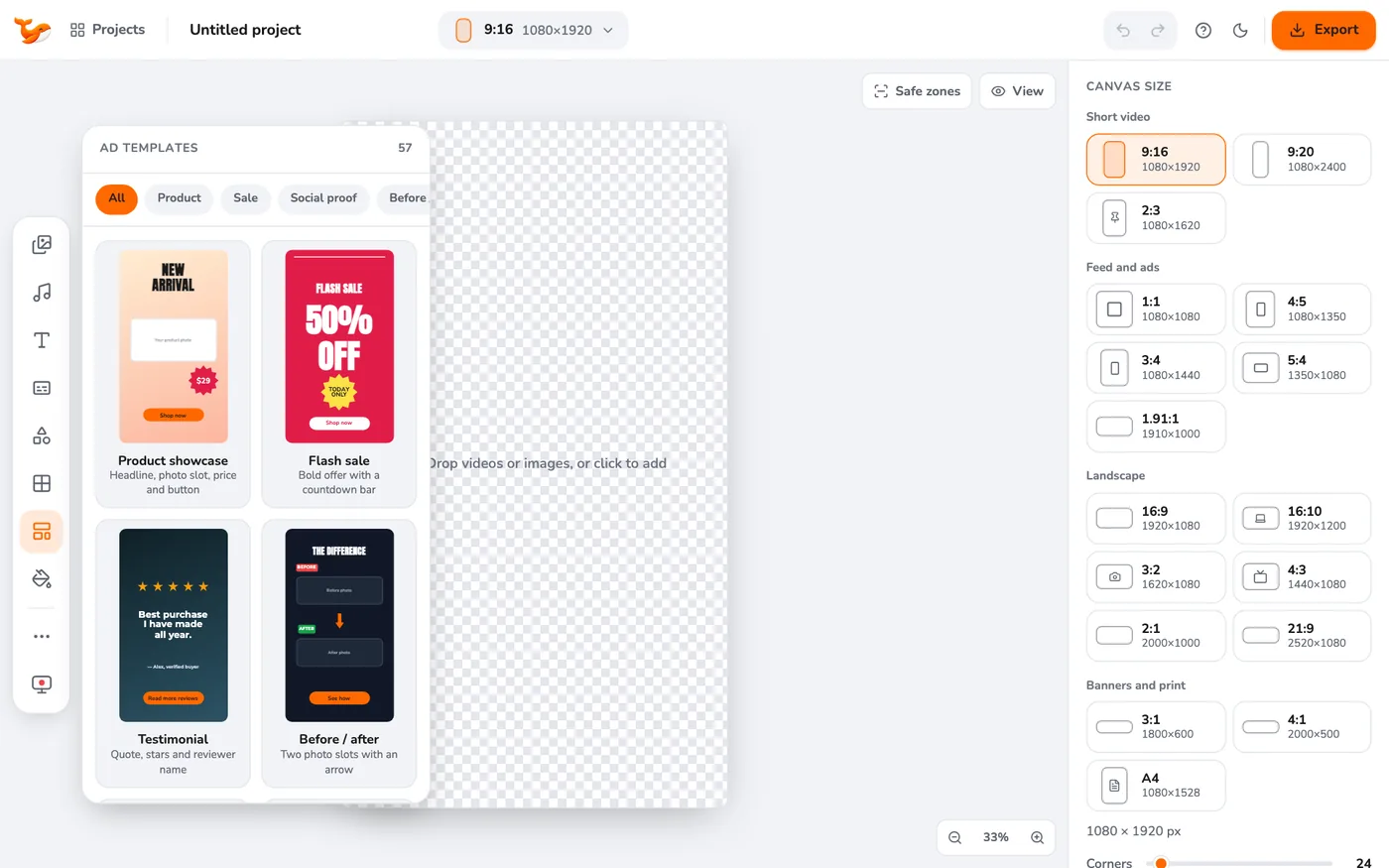
The left toolbar holds your tools (media, audio, text, captions, shapes, collages, templates, background and more). The canvas in the middle is what your video looks like. The timeline appears at the bottom as soon as you add a video or audio. The right panel shows the settings of the selected layer, or the canvas size when nothing is selected.
3Add your media
Drag videos, images or audio into the window, or open Media and click Upload. Click a file in the library to place it on the canvas. See adding and arranging media.
4Edit
Click a layer to select it. Drag to move, drag the corner handles to resize, and use the small toolbar above it for effects. On the timeline, drag a clip to move it, drag its ends to trim, and press S to split at the playhead.
5Export
Click the orange Export button, choose a platform preset such as Instagram Reels or TikTok, and press Export. Your video is rendered on your computer and downloaded as an MP4. A small progress card in the corner shows the time left, and you can keep editing while it works.
Tips
- Everything saves automatically in your browser. Use Projects in the top bar to switch between projects or to export a backup file.
- Press ? at any time to see every keyboard shortcut.
Frequently asked questions
Do I need an account?
No. There are no accounts, and nothing you add is uploaded to a server.
Which browser should I use?
Chrome or Edge, version 116 or later. They support the video technology the editor relies on.
Video Editor runs in your browser. No account, no uploads.
Open the editor