 Video EditorOpen the editor
Add background music and control volume
Good audio makes a video feel finished. Add a track, balance it against your voice and fade it in and out.
In this guide
1Add an audio file
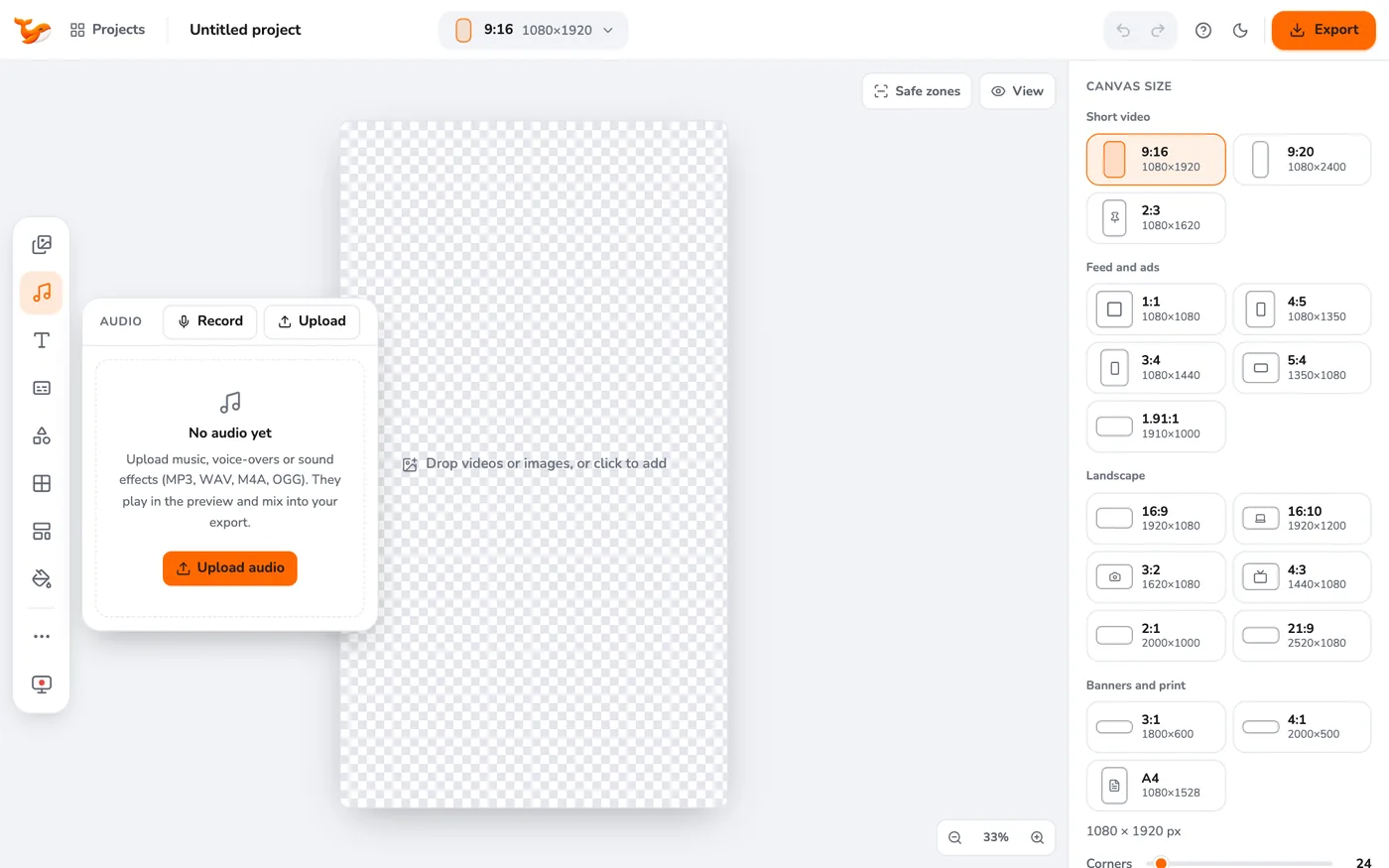
Open Audio in the left toolbar and press Upload audio. Click the track in the library to add it to the timeline.
2Set each clip's volume
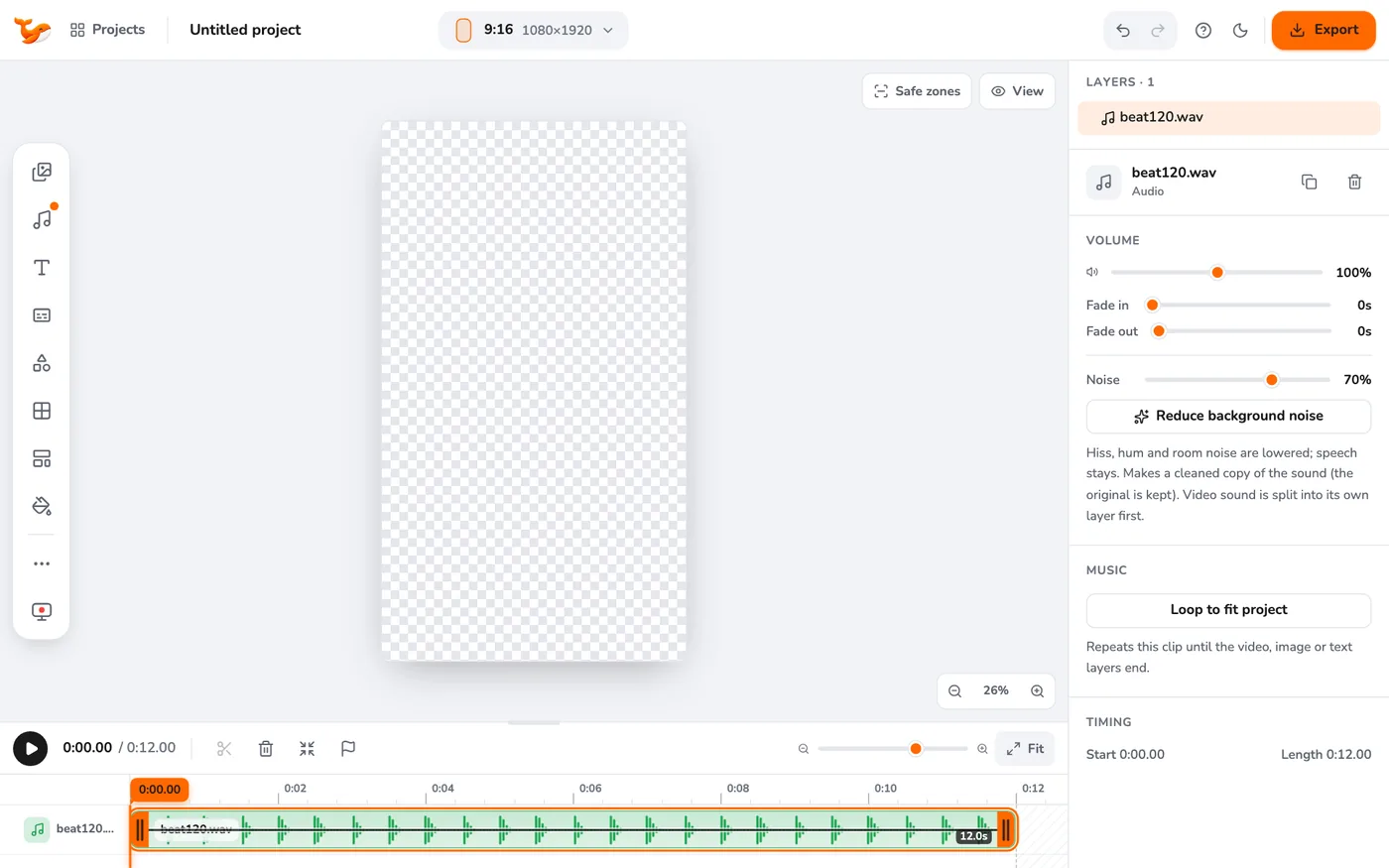
Select a clip. A volume line runs across it: drag it up or down. The middle is 100%, and you can go up to 200% for quiet recordings. You can also use the Volume slider in the right panel.
3Fade in and out
In the right panel set Fade in and Fade out up to five seconds, so music starts and ends smoothly.
4Loop music to fit
If your track is shorter than the video, right-click it and choose Loop to fit, or use Loop to fit project in the right panel.
5Mute or detach video sound
Right-click a video clip to Mute it, or Detach audio to move its sound to its own layer so you can edit it separately.
Tips
- Turn the music down to about 20-30% under speech so the voice stays clear.
- Raise volume above 100% only for quiet files, because boosting can distort loud ones.
Frequently asked questions
Can I use any music?
Only use music you have the rights to. The editor does not include a music library.
Video Editor runs in your browser. No account, no uploads.
Open the editor